
10 Best Game Development Software for 2026
Discover the best game development software of 2026 with detailed comparisons of engines, frameworks, tools, use cases, pricing, and Nuxie integration tips.
Nuxie pricing reviewed October 6, 2026. Creation credits have separate plan charges. The revenue fee is waived when monthly attributed revenue is at most $10,000; above that threshold, 1% applies to the full adjusted net amount. See current Nuxie pricing.
You're probably in one of two situations right now. You already have a prototype and you're wondering whether the engine choice will come back to punish you at launch, or you're still choosing and you know that “best” depends less on hype and more on what you need to ship. Mobile free-to-play, premium indie 2D, stylized 3D, console-first visuals, liveops-heavy design, hybrid app-plus-game experiences. Those choices push teams toward very different stacks.
The best game development software in 2026 isn't one winner. It's a set of trade-offs between rendering ambition, team skill set, build complexity, store deployment friction, tooling depth, and how you plan to run the game after release. That last part gets ignored too often. A lot of teams compare editors and scripting languages, then leave analytics, experimentation, billing, entitlements, liveops events, and paywalls as an afterthought.
That's a mistake on mobile.
If your game depends on onboarding tuning, retention offers, subscriptions, in-app purchases, or remote event delivery, engine choice needs to work with your growth stack from day one. Nuxie fits into that layer well because it's provider-agnostic, works across iOS, Android, React Native, Flutter, Unity, and Unreal, and can sit alongside an existing billing or analytics setup instead of forcing a rip-and-replace. Paywalls are one use case, but the bigger win is shipping connected in-app flows, experiments, analytics, billing, and entitlement-aware experiences without waiting on another app release.
1. Unity
Unity is still the safest default for most mobile and cross-platform teams. It remains the dominant game development software for mobile and cross-platform projects, and its free Personal tier applies to developers with revenue and funding under $200,000, which is a big reason it stays accessible to students, hobbyists, and indie teams (Unity engine overview and licensing context).
In practice, Unity wins when you need reach more than rendering spectacle. C# is approachable, the editor is familiar to a huge hiring pool, and the partner ecosystem is broad enough that ads, IAP, attribution, analytics, crash reporting, and mediation usually have a path forward. For mobile free-to-play, that matters more than flashy benchmark demos.
Where Unity works best
Unity is the engine I'd point most mobile teams toward if they're building:
- Cross-platform mobile games: iOS and Android first, with room to expand to desktop, web, or console later
- 2D and mid-scope 3D titles: especially games that need content updates, economy tuning, and event-driven operations
- Hybrid app experiences: if the game is part of a larger product stack
Unity also supports embedding engine functionality inside native apps through Unity as a Library. That lets teams package Unity content into native iOS and Android apps, though the integration comes with version constraints including Xcode 9.4 for iOS, Android Studio 3.4.2, and recommended Unity LTS versions 2019.4 or 2020.1 for stability (Unity as a Library implementation notes).
If you're planning a hybrid app and game stack, read Nuxie's guide to cross-platform development for Android and iOS.
Practical rule: If your roadmap includes remote offers, store merchandising tests, onboarding experiments, and event-driven monetization, choose the engine that your product and growth teams can operate, not just the one your rendering team prefers.
Unity's weak spot is large-scale, high-end 3D optimization. It can get there, but once you're pushing giant worlds or highly custom performance targets, DOTS and ECS knowledge starts to matter, and not every team wants that complexity.
2. Unreal Engine
Unreal Engine is the right answer when visual identity is the product. UE 5.7 stands out as the main alternative for teams building around cinematic scale and cutting-edge visual fidelity, while Unity still holds the stronger mobile-default position for reach and cost-efficiency (engine positioning comparison for Unity, Unreal, and Godot).
That distinction is real in production. Unreal's rendering stack, C++ depth, Blueprints workflow, animation systems, and world-building tools are excellent for teams with art-heavy pipelines and technical teams that can support them. If your trailer has to sell the game in one shot, Unreal earns its place.
The trade-off mobile teams feel first
For small or mobile-first teams, Unreal often feels heavy before it feels productive. Build sizes, editor overhead, content pipeline complexity, and optimization effort all hit earlier than they do in lighter engines. That doesn't mean Unreal is bad for mobile. It means you should choose it because the game needs Unreal, not because it's prestigious.
When Unreal teams do ship mobile or cross-platform titles, liveops planning needs to happen earlier than expected. A lot of “simple” store, offer, and progression changes become painful if they require client updates. That's where a remote runtime layer matters.
Nuxie is useful here because it can power entitlement-aware screens, onboarding, offers, analytics, and experiments across Unreal-powered apps and games under its published pricing. If your team is wrestling with remote event delivery, offer logic, or monetization testing, Nuxie's approach to game liveops tooling is worth evaluating.
Unreal is excellent when fidelity is non-negotiable. It's a poor fit when the team mostly needs fast mobile iteration with light operational overhead.
If you're choosing between Unity and Unreal, ask a blunt question: are you building a game people remember for art direction and world detail, or a game that wins through retention, economy design, and rapid iteration? Unreal can do both, but the operational cost profile is different.
3. Godot Engine
A common Godot story starts the same way. A small team wants full control, a clean 2D pipeline, and no surprise licensing costs six months after launch. Godot is usually the best game development software for that brief.
Its appeal is straightforward. Godot is open source, royalty-free, and flexible enough for teams that would rather own more of their stack than rent it from a large engine ecosystem. That matters most for indie studios, mobile teams with tight budgets, and developers building products that may change direction after the first live test.
Best fit for 2D indies and teams that want control
Godot's scene and node model is fast to work in once the team adopts it. GDScript keeps prototyping quick, C# is there for teams that want it, and the 2D toolset is mature enough to support serious commercial work without dragging in a lot of engine overhead.
Godot is a strong choice if your project looks like this:
- 2D is the product, not a side mode: platformers, tactics, puzzle, top-down action, and UI-heavy mobile games fit well
- You want source access: engine behavior can be inspected and modified instead of treated as a black box
- You're comfortable assembling services yourself: analytics, experiments, monetization, and backend tools often need more deliberate integration work
That last point is the primary trade-off.
Unity usually wins on plugin volume, hiring familiarity, and prebuilt SDK support. Godot wins on control, cost clarity, and a lighter mental model for small teams. If you need niche ad mediation plugins, console-first vendor support, or middleware that assumes Unity or Unreal from day one, expect extra implementation time.
For mobile and liveops-driven products, I'd make one decision early. Keep the client thin and move as much offer logic, onboarding flow, pricing tests, and entitlement handling out of the build as possible. Godot teams benefit from that discipline because the ecosystem is improving, but it still rewards teams that define their runtime architecture upfront instead of collecting plugins later.
Nuxie fits that use case well. It gives Godot-based teams a way to run analytics, experiments, paywalls, billing flows, and remote-configured screens without tying growth operations to constant client releases. If subscriptions or recurring entitlements are part of the plan, review what good subscription management software for apps and games should handle before you commit your stack.
Use Godot when the game benefits from speed, ownership, and a deliberately chosen toolchain. Choose something else when your roadmap depends on deep third-party integrations being available on day one.
4. GameMaker
GameMaker stays relevant because it removes a lot of unnecessary complexity for 2D teams. If your game is sprite-heavy, mechanically clear, and built by a small group that wants to move quickly, GameMaker often gets you to a playable commercial build faster than a general-purpose 3D-first engine.
Its drag-and-drop tools lower the barrier for designers, and GML gives enough structure for real production code once the prototype starts hardening. That combination is why GameMaker remains a practical choice for premium indies, mobile 2D projects, and teams that don't want to fight engine architecture while they're still proving the core loop.
Best fit for commercial 2D teams
GameMaker is a good pick when you need:
- Fast content iteration: rooms, objects, sprites, collisions, and UI move quickly
- A gentle ramp from visual logic to code: useful for mixed-discipline teams
- Clear 2D boundaries: no temptation to overbuild a 3D pipeline you don't need
What doesn't work well is pretending it's something else. If your roadmap turns into a technically ambitious 3D product, advanced engine customization effort, or a highly bespoke rendering pipeline, GameMaker stops being the best game development software for that project.
For monetized mobile games, I'd also think about downstream subscription and entitlement handling early. If your title blends consumables, premium content, or recurring plans across app stores, choose a commerce layer that doesn't force you into one vendor's billing worldview. Nuxie's subscription management approach is useful here because it can work with an existing billing stack or replace parts of it, while keeping entitlement state usable across onboarding, offers, surveys, and paywalls.
Implementation note: In 2D mobile production, tooling simplicity is a feature. Every hour you don't spend wrestling renderer settings is an hour you can spend tuning progression, economy pacing, and first-session conversion.
5. Construct 3
Construct 3 is the fastest way on this list to go from idea to interactive 2D build. Because it runs in the browser and uses an event-sheet model, teams skip a lot of setup friction and move straight into gameplay, UI flow, and moment-to-moment tuning.
That's why it keeps showing up in game jams, internal prototypes, educational environments, and designer-led teams. It's not trying to be an all-purpose engine. It's trying to keep iteration speed high, and for the right project that's exactly the point.
Where Construct 3 earns its keep
Construct 3 is strong when:
- Designers need autonomy: event sheets are approachable and visual
- The game is mostly 2D and logic-driven: not graphics-pipeline-driven
- You care about early validation: browser-based editing and quick exports reduce delay
Existing comparisons of the best game development software often overemphasize 3D engines and miss what indie 2D teams need. Godot, GameMaker, and Construct 3 are repeatedly identified as dominant 2D choices, which aligns with what many mobile-first indie teams experience in practice when they prioritize lightweight workflows over heavyweight engine repurposing (2D engine coverage gap and workflow context).
The limitation is ceiling, not floor. Construct can take a project surprisingly far, but once your game depends on unusual systems, custom rendering behavior, or deep native integration, you'll either extend it with JavaScript or start feeling the boundaries.
For ad-driven and IAP-driven mobile games, Construct works best when the business model is simple and the team is disciplined about event instrumentation from the start.
6. Cocos Creator
Cocos Creator is one of the better answers for web-leaning teams entering mobile game development. If your engineers already think in TypeScript or JavaScript, Cocos feels more natural than engines that ask for a bigger mental model shift.
That matters for staffing. A team with strong front-end development habits can become productive in Cocos quickly, especially for 2D, lightweight 3D, mini-game environments, and mobile-first projects where performance on modest devices still matters.
Why some mobile teams prefer it
Cocos Creator fits teams that want:
- TypeScript-first workflows: fewer context switches for web developers
- A mobile-oriented runtime: especially for markets and channels where lightweight builds matter
- A compact engine footprint: useful when device constraints are real
It's less ideal if your team depends on a huge Western plugin marketplace or broad English-language community depth for every workflow edge case. That doesn't make the engine weak. It just means your support model may rely more on in-house problem solving.
For growth-focused teams, Cocos can work well with a separate in-app experience layer. If your game client handles core gameplay but your product team needs to run onboarding tests, event prompts, shop experiments, or entitlement-aware moments without store redeployments, keep that logic outside the engine where possible. That's often cleaner than baking every monetization touchpoint directly into game code.
7. Defold
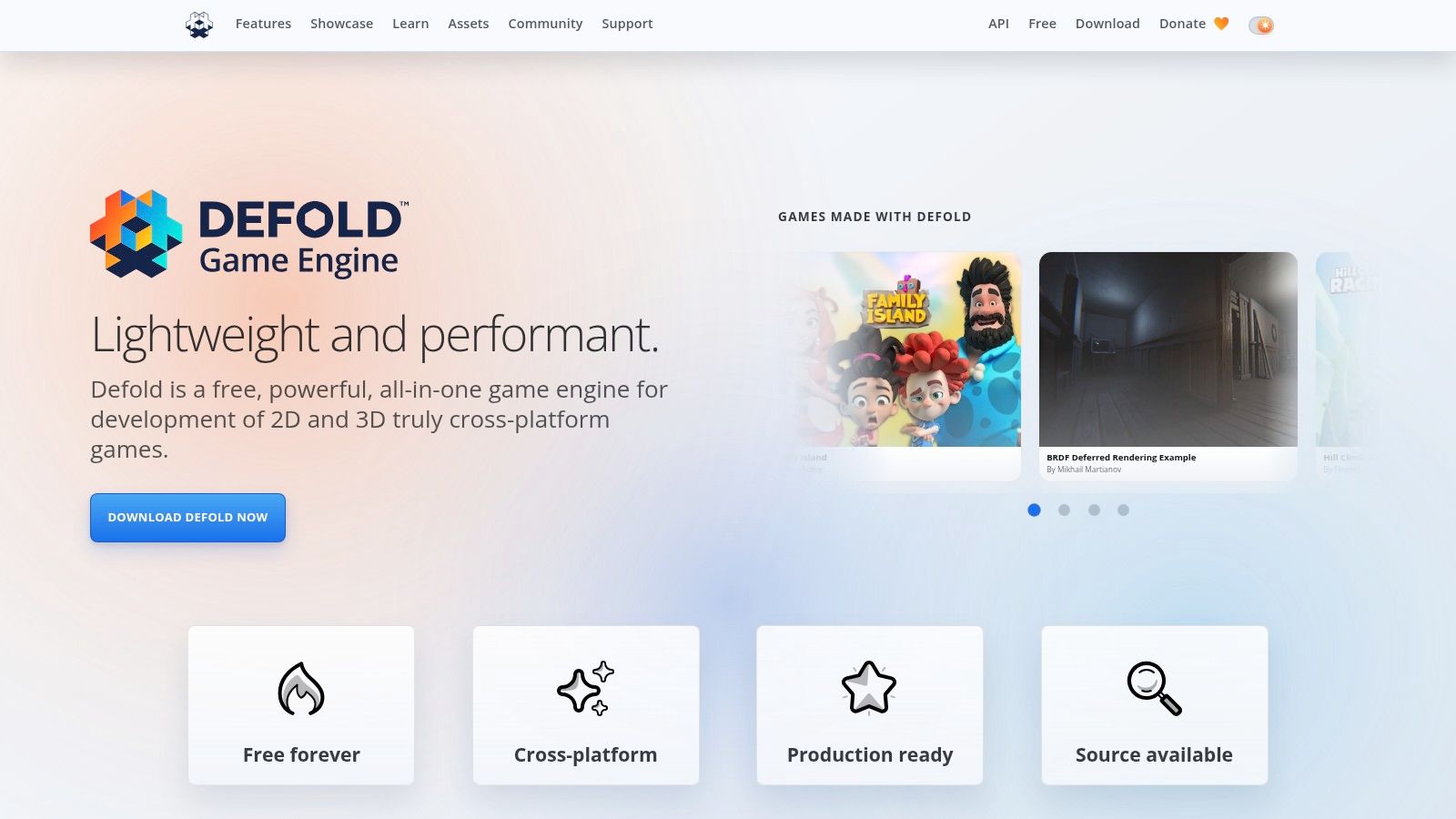
Defold is the engine people underestimate until they ship with it. It's built for small teams that care about startup speed, compact binaries, predictable pipelines, and mobile performance without a lot of editor bloat.
That makes it attractive for web and mobile games where technical elegance matters more than marketplace abundance. Lua scripting, hot reload, and a focused toolchain create a very different feel from bigger engines. Less sprawling, more deliberate.
The practical trade-off
Defold is excellent for:
- Lean mobile releases: especially when app size and startup behavior matter
- Teams that like disciplined pipelines: fewer giant subsystems to contend with
- Games with clear technical boundaries: not endless engine experimentation
You'll feel the ecosystem limits quickly if your team expects a ready-made plugin for everything. Defold asks more from the team, but in exchange it gives predictability and low overhead. For many indies, that's a good trade.
Small, stable, and boring in the right places beats “feature-rich” when your team is trying to ship on a schedule.
I wouldn't choose Defold for a project that expects broad middleware assumptions, advanced 3D ambition, or a large content operations staff. I would choose it for a sharp, mobile-friendly game with controlled scope and engineers who value clean workflows.
8. GDevelop
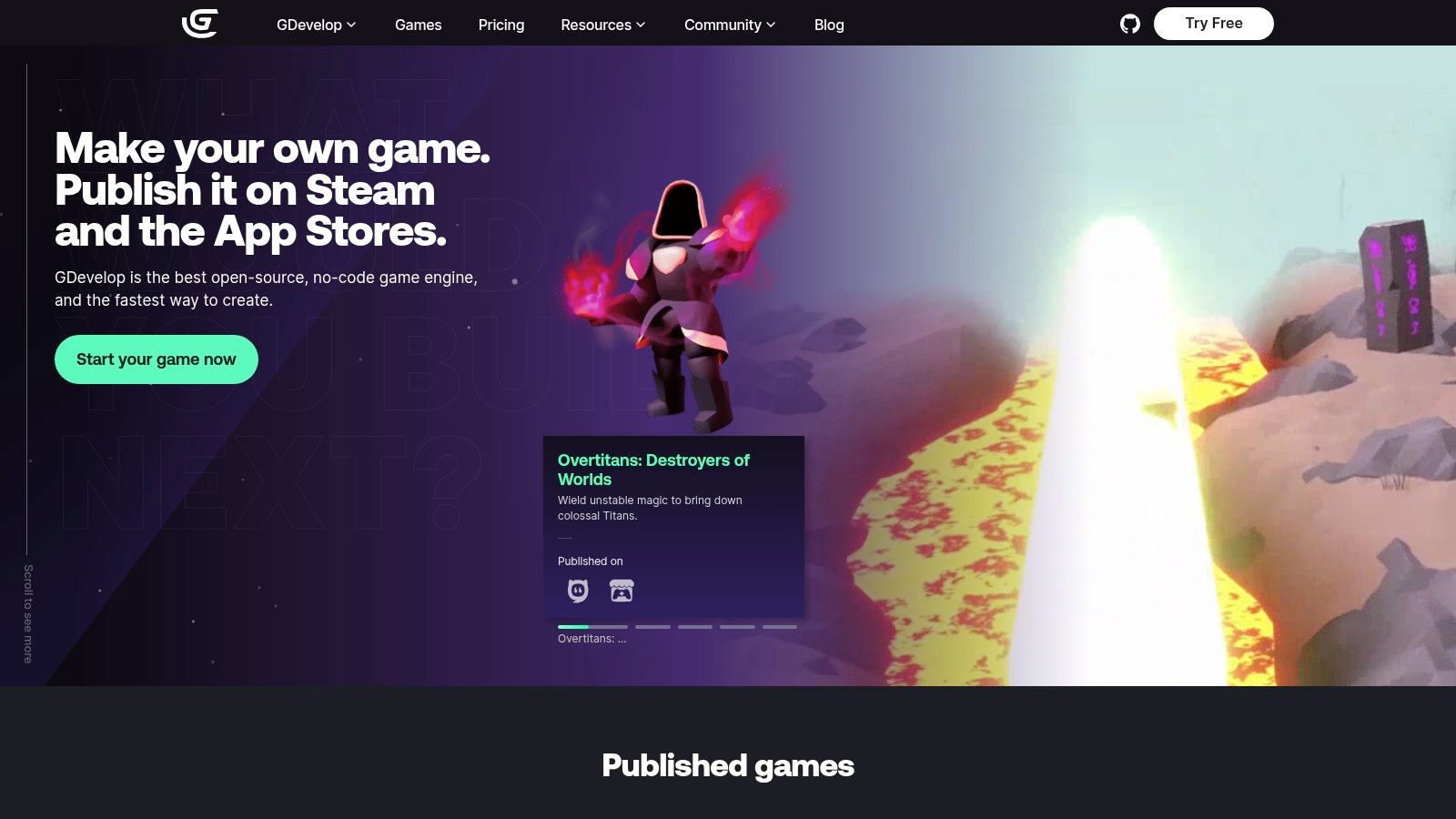
GDevelop is one of the most approachable tools on this list, but that doesn't mean it's only for beginners. It's a strong option for teams testing game concepts, educational projects, event-driven 2D titles, and lightweight mobile publishing where code-heavy infrastructure would be overkill.
Its event system keeps logic visible. That's useful not just for non-programmers, but for cross-functional teams where design, product, and engineering all need to reason about game flow quickly.
When GDevelop makes sense
Choose GDevelop if you need:
- Fast playable prototypes: especially with minimal engine setup
- Visual scripting that stays readable: good for collaborative iteration
- Flexible cost control: free local use, then cloud or build services as needed
The trade-off is that bigger projects need more architectural discipline than people expect. Event-based systems can sprawl just like code can. If nobody owns naming, scene boundaries, reusable behaviors, and instrumentation conventions, the project gets messy fast.
For monetization experiments, GDevelop teams should resist hardcoding every promo, offer, and retention moment into the game logic. A remote experience layer is usually cleaner, especially on mobile where store review cycles slow down testing. That's where an AI-native platform like Nuxie can complement a lightweight engine by handling analytics, experiments, billing state, entitlement checks, and remotely shipped in-app flows.
9. Open 3D Engine (O3DE)
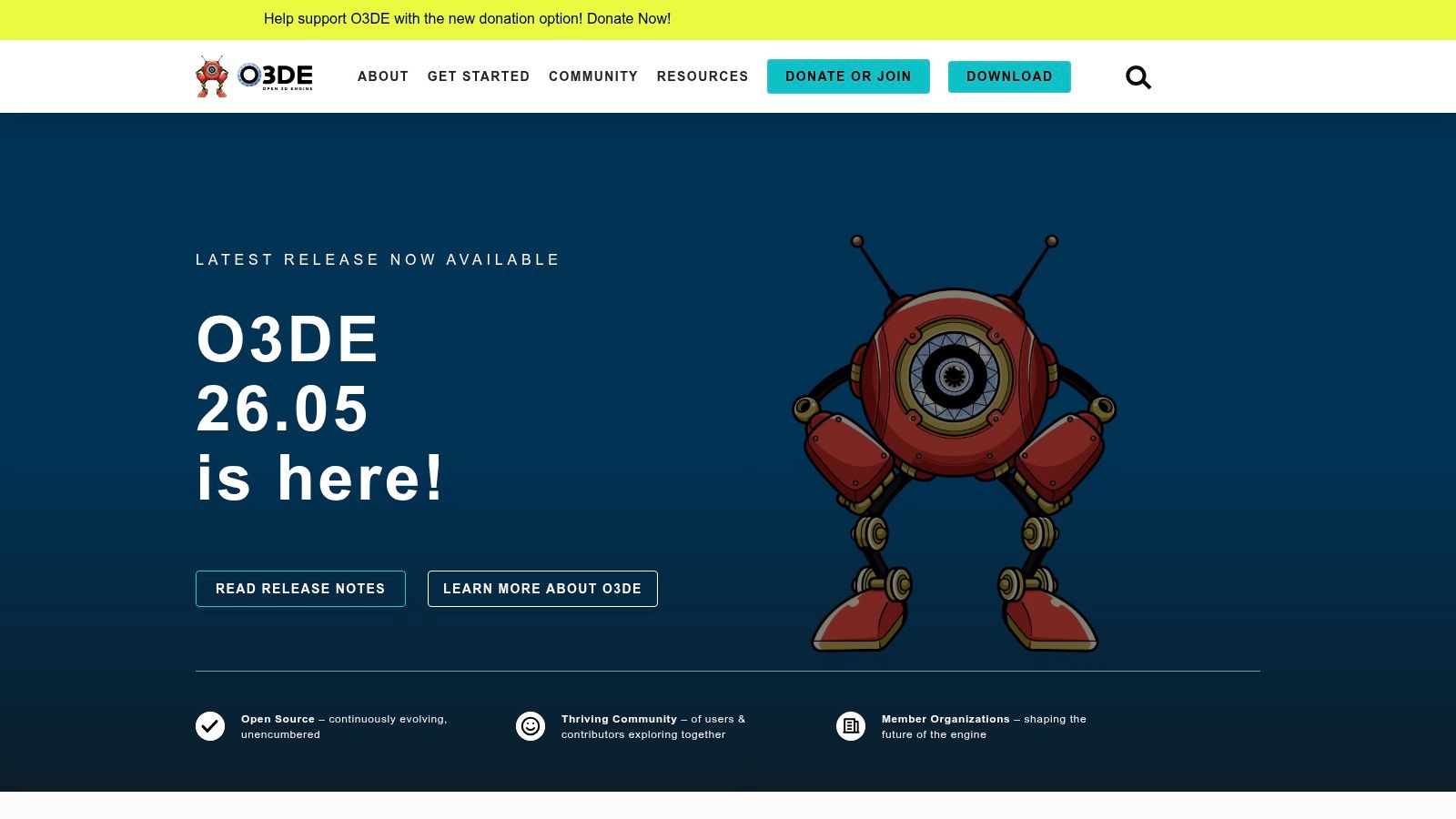
O3DE is the choice for teams that want deep engine control and are willing to pay for it with complexity. It's not the engine I'd hand to a mobile startup trying to validate a casual game loop in a hurry. It is the engine I'd consider for simulation-heavy work, custom runtime requirements, or organizations that care about long-term open governance and modularity.
The Gems system and full-source model are the appeal. You can shape the engine around the project instead of shaping the project around a commercial engine's assumptions.
Best for custom engine-minded teams
O3DE makes sense when:
- You need engine-level customization: not just gameplay scripting
- Your technical team is comfortable with heavier toolchains
- Open-source governance matters to procurement or long-term planning
It's a tougher fit for small teams chasing fast mobile iteration. Tooling weight, smaller marketplace support, and setup overhead all raise the cost of experimentation. If your advantage is speed, there are better options.
Still, for teams building specialized 3D products or game-adjacent interactive systems, O3DE is one of the few serious open alternatives worth evaluating at the engine layer instead of only the app layer.
10. Buildbox
Buildbox focuses on speed. If the goal is to test a mobile gameplay hook quickly, especially in casual or hyper-casual categories, it does that better than most code-centric tools because it keeps designers close to the prototype.
That's useful when the question isn't “Can we build a giant system?” but “Should this game exist at all?” Buildbox shortens the path from mechanic concept to playable build, and that's often enough to justify it.
Good for quick market testing
Buildbox is worth considering when:
- Design iteration outruns engineering capacity
- You want drag-and-drop mobile prototyping
- The project is template-friendly: runners, loop-driven casual games, and ad-first designs
A broader market backdrop supports why these decisions matter. The global game development software market was valued at USD 8.2 billion in 2024 and is projected to grow at a 13.1% CAGR from 2024 to 2030, with demand tied to real-time 3D content and cross-platform development tooling (game development software market outlook).
For Buildbox users, the main caution is long-term flexibility. Once a prototype proves itself, you need to know whether the tool can carry the actual production roadmap. Sometimes it can. Sometimes the right move is to validate in Buildbox, then rebuild in a more extensible engine before content and monetization systems get too tangled.
A related mobile reality matters here too: rapid monetization testing is often more valuable than adding one more bespoke gameplay system. One industry claim cited in a discussion of engine comparison gaps says 68% of mobile game revenue now comes from in-app purchases that require rapid iteration, and mainstream engine roundups still rarely evaluate compatibility with remote experience deployment and provider-agnostic analytics workflows (mobile monetization experimentation discussion).
Top 10 Game Development Engines: Feature Comparison
| Engine | Core focus & platforms | Unique selling points | Target audience & Nuxie fit | Quality & pricing |
|---|---|---|---|---|
| Unity | Cross‑platform 2D/3D (iOS, Android, PC, console, XR) | ✨ Massive Asset Store, LiveOps & monetization tooling 🏆 | 👥 Mobile F2P studios & teams, excellent fit with Nuxie for IAP, LiveOps, in‑app campaigns | ★★★★☆ · 💰 Paid tiers; check recent licensing |
| Unreal Engine (UE5) | AAA 3D, high‑fidelity rendering (Nanite/Lumen), multi‑platform | ✨ Industry‑leading visuals & cinematic tools 🏆 | 👥 AAA/console/PC teams, powerful but heavier for mobile; Nuxie useful for in‑app UX on ports | ★★★★★ · 💰 Royalty/terms-based (often favorable early) |
| Godot Engine | Open‑source 2D/3D, MIT license, fast iteration | ✨ Zero licensing/royalties; lightweight & moddable | 👥 Indies, prototypes, small teams, strong Nuxie fit for mobile indie workflows | ★★★★ · 💰 Free (MIT) |
| GameMaker | 2D-focused IDE, drag‑and‑drop + GML, multi export | ✨ Very low barrier to ship 2D commercial titles | 👥 Solo devs & small studios, good for 2D mobile; pairs with Nuxie for in‑app screens/flows | ★★★★ · 💰 Paid licenses, no royalties |
| Construct 3 | Browser‑based no‑code 2D (HTML5), cloud saves | ✨ Rapid prototyping & education‑friendly | 👥 Designers, educators, game jams, quick Nuxie experiments but limited deep integrations | ★★★ · 💰 Subscription |
| Cocos Creator | TypeScript/JS engine, mobile & mini‑game focused | ✨ Lightweight mobile runtime; strong Asian market fit | 👥 Mobile teams with web/TS skills, very compatible with Nuxie for mobile monetization | ★★★★ · 💰 Free |
| Defold | Lua scripting, tiny binaries, deterministic builds | ✨ Exceptional performance & small packages | 👥 Small mobile teams wanting tiny builds, good Nuxie complement for fast mobile titles | ★★★★ · 💰 Free (source-available) |
| GDevelop | Open‑source event system, desktop & web editors | ✨ Very approachable no‑code workflow | 👥 Beginners, educators, suitable for simple Nuxie experiments; advanced features limited | ★★★ · 💰 Core free; optional paid cloud builds |
| Open 3D Engine (O3DE) | Modular 3D, Atom renderer, Apache 2.0, full source | ✨ Deep engine customization; open governance 🏆 | 👥 Teams needing engine‑level control, powerful but heavy for mobile; Nuxie fit for complex simulations | ★★★★ · 💰 Free (Apache 2.0) |
| Buildbox | No‑code/low‑code mobile hyper‑casual engine | ✨ Drag‑and‑drop mobile prototyping; A/B focus | 👥 Hyper‑casual/casual mobile designers, pairs well with Nuxie for rapid in‑app experiments | ★★★ · 💰 Subscription tiers |
Next Steps: Building Your Game Development Stack
Choosing the best game development software is only the first architecture decision. The second is the stack around it. That includes analytics, crash reporting, attribution, billing, entitlement logic, in-app messaging, experimentation, content operations, and the workflows your product and growth teams need after launch. Teams that ignore that layer usually end up shipping too much business logic into the client and then paying for it every time they need to test an onboarding path, revise a shop screen, or launch an offer.
For mobile teams, I'd map decisions in this order. Start with game shape. Is it 2D or 3D, mobile-first or cross-platform, stylized or fidelity-driven, solo-friendly or pipeline-heavy? Then map operating model. Will you run events, seasonal content, retention prompts, progression tests, subscriptions, consumables, or live offers? If the answer is yes, your engine choice needs to coexist cleanly with a remote in-app experience and monetization layer.
Unity is still the default recommendation for broad mobile and cross-platform delivery. Unreal is the right move when visual fidelity defines the product. Godot is strong when open-source control and cost autonomy matter. GameMaker, Construct 3, GDevelop, Defold, and Cocos Creator all become better options when 2D speed, smaller teams, or web-native skills are the primary constraint. O3DE and Buildbox sit at opposite ends of a different spectrum: deep customization versus ultra-fast validation.
The stack around those engines matters just as much. Flutter, for example, has become a strong cross-platform choice for non-game app surfaces because it renders its own UI with Skia, now Impeller, instead of native widgets, which is a big reason it's often treated as the overall leader for new cross-platform projects in 2026 for startups and consumer apps (Flutter cross-platform framework overview). That matters if your company operates both app and game surfaces, or if you're embedding game experiences inside a broader mobile product.
For experimentation, billing, entitlements, and analytics, I'd integrate Nuxie early rather than bolt it on later. Nuxie is provider-agnostic, so teams can keep an existing billing stack or replace pieces over time. It handles subscription sync, purchase data, and entitlements under its published pricing; evaluate its creation-credit charges and attributed-revenue fee (Nuxie billing and entitlement model). That's useful whether you're shipping in Unity, Unreal, React Native, Flutter, or a native iOS and Android stack.
The practical implementation pattern is straightforward. Keep gameplay in the engine. Keep growth logic, onboarding variants, paywalls, retention offers, feature announcements, survey flows, and entitlement-aware screens in a remote system your product team can operate. Connect analytics events early. Define entitlement states clearly. Don't wait until launch week to decide how experiments, billing, and liveops should work.
Your engine should help you build the game. Your stack should help you run it.
Nuxie helps mobile app and game teams ship and optimize in-app experiences without waiting on store releases. If you need a provider-agnostic platform for analytics, experiments, billing, entitlements, paywalls, onboarding flows, surveys, retention offers, and liveops moments across iOS, Android, React Native, Flutter, Unity, and Unreal, explore Nuxie.