8 Mobile App Onboarding Best Practices for 2026
Discover 8 mobile app onboarding best practices for growth teams. Learn to build personalized, high-converting flows for iOS, Android, Unity, and more.
Nuxie pricing reviewed October 6, 2026. Creation credits have separate plan charges. The revenue fee is waived when monthly attributed revenue is at most $10,000; above that threshold, 1% applies to the full adjusted net amount. See current Nuxie pricing.
Airship found that Day 1 retention can vary dramatically based on onboarding quality, with strong flows outperforming overloaded ones by a wide margin, based on its review of top-performing apps. That spread is large enough that onboarding deserves the same level of systems thinking teams apply to pricing, messaging, and lifecycle automation.
For product, growth, and monetization teams, onboarding is an execution problem before it becomes a UX problem. The work sits in event design, remote configuration, identity resolution, entitlement checks, experiment setup, and release coordination across iOS, Android, React Native, Flutter, Unity, and Unreal. If those layers are brittle, the flow looks polished in staging and falls apart in production.
Good onboarding gets users to a meaningful action fast, then adapts based on what the product learns. It should reduce cognitive load, collect only the inputs that improve downstream relevance, and introduce monetization where it supports value discovery instead of interrupting it. That requirement changes by stack. Native teams can tie sequencing to feature flags and permission timing. Cross-platform teams need shared logic that stays consistent across clients. Game teams have to balance tutorial pacing, reward loops, and offer timing without hurting early retention.
The eight practices below focus on implementation details that hold up after launch. They cover how to structure onboarding across platforms, where personalization and monetization belong, how to make flows resilient offline, and how teams can ship faster with a platform such as Nuxie under its published pricing and integration terms.
1. Progressive Disclosure and Gradual Feature Unlocking
Most onboarding fails because teams front-load explanation. Users open the app and get hit with feature cards, permission prompts, account creation, and a paywall before they've done anything meaningful. Nielsen Norman Group recommends keeping instructional onboarding brief, optional, and limited to the minimum users need to succeed, and VWO similarly advises compressing the flow to 3 to 7 steps while focusing on the first meaningful action, as summarized in Nielsen Norman Group's guidance on mobile app onboarding.
That's the core of progressive disclosure. Show the next useful thing only when the user is ready for it.
What good progressive disclosure looks like
Duolingo doesn't teach every grammar mechanic on screen one. It gets the user into a lesson. Slack doesn't explain every integration before the first message. Tinder doesn't unpack every premium control before the first swipe. In each case, the product reveals complexity as the user earns context.
On mobile, this matters even more because screen space is tight and interruptions feel heavier. On iOS and Android native stacks, this often means using server-side flags to sequence experiences without waiting for App Store or Play Store review. In React Native and Flutter, it usually means building a reusable flow container and driving order from remote config or an in-app experience platform. In Unity and Unreal, it means gating mechanics, economies, or menus based on first-session events instead of exposing the whole game shell immediately.
Practical rule: If a screen doesn't help the user reach a first win, cut it or delay it.
How to implement it without making the app feel restricted
A common mistake is confusing gradual feature revelation with arbitrary withholding. Users shouldn't feel manipulated. They should feel guided.
A practical rollout usually includes:
- Map the activation path: Identify the shortest path from install to first value. For a fitness app, that might be first workout logged. For a game, first match completed. For a creator tool, first asset exported.
- Gate by behavior, not by time: Allow progression after a user completes an action, not after a fixed delay.
- Instrument every step: Track entry, completion, skip, and drop-off events per screen and per platform.
- Keep the gating logic remote: Tools like Nuxie let teams design and ship multi-step experiences remotely while keeping targeting and sequencing flexible across iOS, Android, React Native, Flutter, Unity, and Unreal.
Progressive disclosure works because it respects attention. Long feature tours don't.
2. Personalized Onboarding Flows Based on User Segmentation
Teams that segment onboarding usually see better activation because they stop forcing every user through the same first-run path. The point is not to personalize every screen. The point is to personalize the first few decisions that shape relevance, retention, and monetization.
A user arriving from a paid acquisition campaign, a returning subscriber, and a first-time organic install should not see the same prompts in the same order. Their intent is different. Their tolerance for friction is different. Their revenue potential is different too.
Start with segments you can actually ship
Good segmentation is operational. If a segment does not change onboarding copy, feature education, offer timing, content defaults, or paywall logic, it is still an analytics label, not a product input.
I usually start with three practical cuts:
- Intent: What job is the user trying to do first?
- Lifecycle: Is this first launch, reactivation, post-trial, or post-purchase?
- Commercial status: Free, trialing, subscribed, high-propensity payer, or ad-monetized user
That is enough to produce meaningful branching without creating a maintenance problem.
Spotify separates first-run setup from return sessions. Meditation apps often route users by goal, such as sleep, stress, or focus. In productivity software, the split is often role-based. Solo users need quick setup and sample data. Team admins need workspace creation, permissions, and integration prompts. In games, acquisition source matters. Rewarded-ad traffic, influencer traffic, and community referrals often respond differently to tutorials, starter bundles, and ad load.
Use declared input first, then let behavior take over
Early onboarding should rely on a small amount of explicit input, then shift to behavioral targeting as soon as events start coming in. Ask one or two high-signal questions. After that, use what the user does.
For example, if a user selects "lose weight" in a fitness app but spends the first two sessions browsing meal plans, the app should adapt quickly. If a user skips content setup but completes a subscription trial screen, the onboarding logic should switch from education to habit formation and renewal protection.
This is also where cross-platform execution matters. On iOS and Android, teams often pass segment attributes from the backend or CDP into remote-config rules and in-app messaging triggers. In React Native and Flutter, the practical pattern is a shared onboarding schema with platform-specific rendering components. In Unity, segmentation often maps to tutorial branches, economy messaging, and first-purchase prompts tied to event milestones instead of static screens.
Avoid over-segmentation and stale assumptions
Personalization fails in predictable ways. Teams ask too many setup questions. They create seven audience branches and only maintain three. They keep showing a "beginner" path after the user has already demonstrated advanced behavior.
A better model is progressive personalization. Start narrow, then update the experience from observed actions such as completed signup steps, viewed categories, skipped tutorials, ad engagement, purchase intent, or session count. If you want a useful framework for designing those decision points, this guide to onboarding quizzes for apps pairs well with segmentation work.
Nuxie fits this workflow because teams can target experiences using existing event pipelines and attributes across iOS, Android, React Native, Flutter, and Unity without rebuilding each branch per platform or giving up control of monetization logic. If you're refining your targeting model, behavioral segmentation for mobile apps is the right lens.
Segment for the next best action, not for reporting cleanliness.
3. Interactive Onboarding Quizzes and Preference Elicitation
A good onboarding quiz does two jobs at once. It gives the user a sense of momentum, and it gives the product first-party data to personalize what comes next. That's why quizzes work so well in wellness, dating, content, commerce, and game onboarding.
Instead of telling the user what the app can do, the flow starts by asking what the user wants.
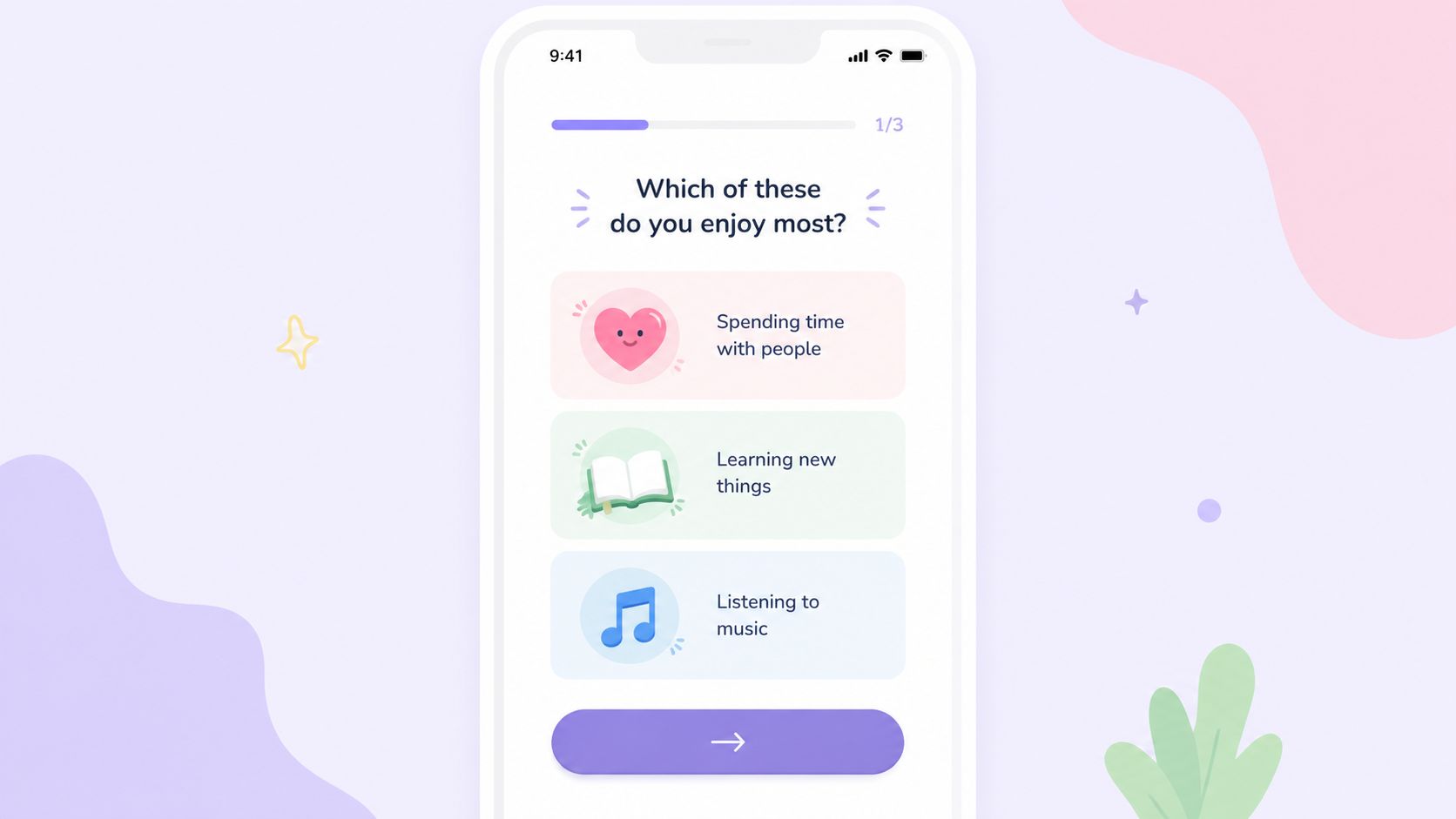
Hinge-style preference collection, Pinterest-style taste signals, or a meditation app asking whether someone wants sleep help or stress relief all create immediate relevance. Users tolerate questions when the outcome is visible. They abandon when the quiz feels like data extraction.
What to ask and what to avoid
Keep the initial quiz tight. Three to five questions is usually enough for a first pass, especially on mobile where each extra step adds friction. Good questions change either content ranking, feature exposure, messaging, or offer logic. Weak questions are just demographic trivia.
Useful examples include:
- Goal selection: “What are you trying to do first?”
- Experience level: “Beginner or advanced?”
- Preference signal: “Which topics, styles, or modes interest you?”
- Use-case context: “Solo use or team use?”
For implementation, branching matters more than visual polish. On iOS and Android native, you can store responses locally and sync when ready. In React Native and Flutter, centralize quiz state so you don't create edge-case inconsistencies between steps. In Unity, use quiz outcomes to alter the first-session loop, not just cosmetic UI.
If you're building this pattern deliberately, Nuxie's flow tools and conditional logic are built for it. This guide to an onboarding quiz app gives a strong reference point.
Make the result immediate
The biggest mistake is collecting answers and then showing a generic home screen. If a user says they want beginner guidance, show beginner guidance. If they say they're interested in meal planning, open with meal planning. If they choose competitive play, route them to challenge-oriented content or a different first-session sequence.
Quiz responses should also become reusable attributes downstream. They can shape tutorials, notifications, paywalls, feature flags, and retention messaging. That's where onboarding stops being a front-door flow and starts becoming a user model.
4. Milestone-Based Engagement and Achievement Celebration
Users decide fast whether an app is worth another session. Milestones make that decision easier because they show progress in product terms, not onboarding terms.
As noted earlier, early momentum matters. Teams that map a user's first meaningful action and celebrate it with intent usually see cleaner activation data than teams that rely on a generic checklist completion rate. The goal is not to get someone through screens. The goal is to get them to a concrete win they can feel.

Design milestones around product value
A milestone only matters if it predicts retained usage. “Uploaded first photo,” “finished first lesson,” “joined first server,” “won first battle,” and “started first project” all work because they sit inside the core loop. “Completed onboarding” is only useful if it leads directly to one of those actions.
Good milestone systems usually track three layers:
- Activation milestone: the first action that proves the user reached value
- Commitment milestone: a step that increases future return, such as saved preferences, profile setup, or content follow
- Habit or network milestone: a second-session trigger, first invite, streak start, or first team interaction
The trade-off is real. If milestones are too easy, they feel fake and train users to ignore your reinforcement layer. If they are too hard, nobody reaches them in session one. Set the first milestone close to value, then space later milestones around behaviors that correlate with retention and monetization.
LinkedIn handles this well with profile completion prompts tied to profile usefulness. Duolingo does it with lesson completion and streak reinforcement. In games, the equivalent might be first chest opened, first loadout saved, or first upgrade crafted, but only if that action improves the next play session.
Instrument the milestone, not just the celebration
The confetti is the easy part. The hard part is defining the event correctly across platforms and making sure it fires once, at the right moment, with the right payload.
On iOS and Android native, log milestone events close to the business logic rather than only in the UI layer. In React Native and Flutter, keep milestone state in a shared service so navigation quirks do not trigger duplicate celebrations. In Unity, tie the event to gameplay state transitions, not presentation state, or you will misfire rewards when players replay a tutorial scene.
A useful event payload usually includes milestone name, session count, acquisition channel, segment, paywall eligibility, and experiment variant. That gives product, growth, and monetization teams enough context to answer the core question. Which milestones move retention, conversion, or ARPU?
Nuxie fits well here because the same event can trigger a celebration, update segmentation, and queue the next onboarding step across iOS, Android, React Native, Flutter, and Unity. Teams get cross-platform control without rebuilding milestone logic in five separate stacks.
Place offers after proof of value
Milestones are also one of the cleanest places to test monetization. After a user completes a first meditation, solves a first puzzle, builds a first workspace, or customizes a first character, they have enough context to evaluate a premium offer.
That does not mean every milestone should trigger a paywall. It means milestone completion is a high-signal decision point. Some products should show a premium preview. Others should offer a trial, bonus content, extra credits, or a deferred paywall after one more success event. Subscription apps usually benefit from waiting until the user has seen repeated utility. Game economies often convert better when the first offer follows progression or scarcity.
Reward the action first. Then present the expansion path.
That ordering matters because it preserves trust. Users should feel that the app recognized progress before it asked for commitment.
5. Contextual In-App Tutorials and Tooltips at Moment of Need
Teams usually lose users when they explain a feature before the user has a reason to care. Contextual onboarding fixes that by attaching help to intent, state, and friction points inside the product.
VWO's mobile onboarding guide points to the same pattern. Behavioral triggers and just-in-time guidance outperform static first-run tours because they show instruction at the decision point, not three screens earlier. In practice, that means triggering education from events like first failed action, first visit to a complex screen, first use of an advanced control, or repeated hesitation on the same UI element.
Match the pattern to the job
Different moments call for different tutorial formats. The wrong format creates friction even if the copy is good.
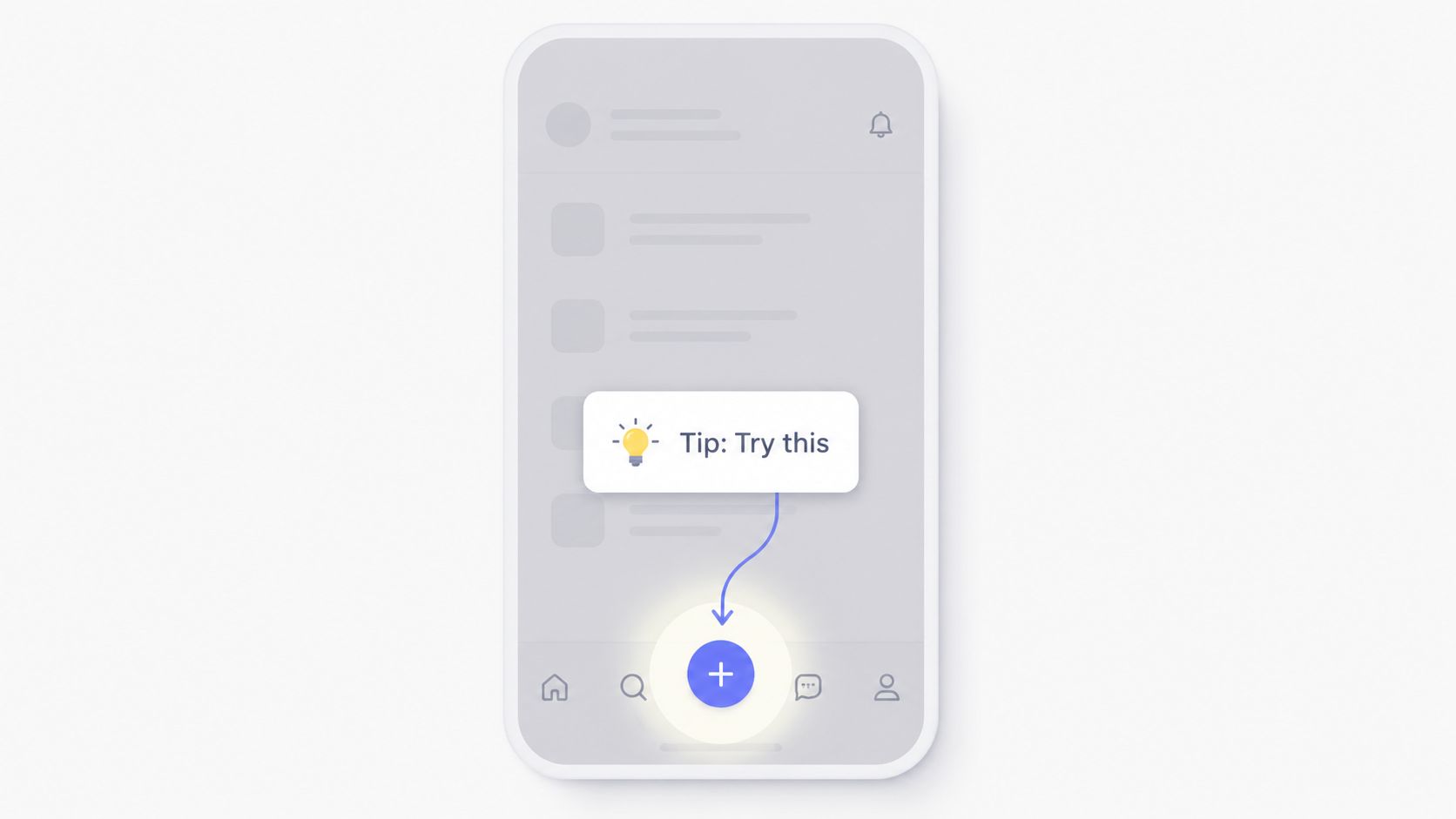
- Tooltip: Use for one control, one clarification, one action
- Coach mark: Use when attention must shift to a region, gesture, or hidden affordance
- Guided flow: Use for a multi-step task such as connecting an account, creating a project, granting permissions, or completing a purchase setup
The implementation detail that matters is trigger quality. A tooltip should fire because a user opened the composer and paused near formatting controls, not because the app reached session three. A coach mark should appear after the interface is stable, not while the keyboard is animating. A guided flow should resume from progress state if the app is backgrounded or the network drops.
Platform constraints matter here. On iOS, respect safe areas, Dynamic Type, and system permission timing. On Android, test around back navigation, OEM UI differences, and split-screen layouts. In React Native and Flutter, verify overlay positioning across density buckets, keyboard states, and nested navigation stacks. In Unity, bind tutorial steps to gameplay state and player progress, not scene load, or prompts will appear before the mechanic is visible and before the player has control.
Instrument the tutorial, not just the destination
A tooltip is part of the funnel. Treat it like one.
Track at least four events: tutorial shown, dismissed, interacted with, and target action completed. Then join those events with segment, acquisition source, platform, subscription status, and experiment variant. That gives product and growth teams enough detail to answer real questions. Did the hint help activation for paid traffic but hurt organic users? Did Android users dismiss the step because the overlay covered the CTA? Did a tutorial increase feature adoption but reduce session depth because it interrupted flow?
Those trade-offs show up often. A prompt that improves feature discovery can still hurt retention if it appears too early or too often. Frequency caps, cooldown windows, and suppression rules matter as much as the copy.
Here's a product walkthrough example worth studying for flow timing and pacing:
Nuxie is useful here because teams can trigger contextual experiences from product events, remote-config the timing and audience, and test variants across iOS, Android, React Native, Flutter, and Unity from one system. That matters for monetization too. The same event layer that decides whether to show a tutorial can also suppress a premium prompt until the user completes the task the tutorial supports. Teams keep control of that logic without hard-coding each experiment into five separate clients.
6. Social Proof and Social Onboarding Integration
Social proof in onboarding works when it reduces uncertainty. It fails when it feels like marketing collateral wedged into the product.
If you're building a marketplace, a creator app, a social product, or a game with guilds and leaderboards, users often want to know three things immediately. Is this active? Is it trustworthy? Can I find relevant people or content fast?
Show evidence that supports the next action
Airbnb-style ratings, DoorDash-style review context, and Venmo-style friend activity all work because they support an immediate decision. They don't just announce popularity. They reduce hesitation around the next click.
That's the filter to use. Add social proof only if it helps the next onboarding step.
Good uses include:
- Social login: Apple Sign In on iOS, Google on Android, or provider-specific login when it reduces form friction
- Trust signals: Reviews, ratings, moderation indicators, creator verification, or seller quality markers
- Discovery shortcuts: Contact import, friend graph suggestions, top communities, recent activity, or trending content
Respect privacy and platform expectations
A lot of social onboarding goes wrong because the product asks for contacts too early or assumes users want public activity. Don't auto-share milestones. Don't make contact import mandatory. And don't show fake “someone just joined” style urgency patterns. Technical growth teams know these tricks age badly.
For games and community apps, social proof can also be environmental. Showing active lobbies, current events, recent achievements, or popular game modes can help users orient without any hard sell. In cross-platform stacks, this usually means rendering dynamic social modules from a remote content system so they can be updated independently of app releases.
Social proof should answer a user question. It shouldn't interrupt one.
Nuxie's provider-agnostic setup is helpful here because teams can pull in analytics, campaign source, and entitlement state to decide when social proof helps and when it just adds clutter.
7. Monetization-Aware Onboarding and Strategic Paywall Placement
Paywalls are part of onboarding whether teams admit it or not. If your app has subscriptions, purchases, premium tiers, consumables, or gated features, the first-session monetization strategy affects activation. The mistake is treating paywalls as separate from onboarding design.
The better question isn't “Should we show a paywall in onboarding?” It's “At what point has the user earned enough context to understand the offer?”
Show value before asking for payment
Spotify's freemium structure, Headspace-style guided previews, or a game offering a starter pack after the first meaningful session all follow the same principle. Let users experience value, then frame payment as expansion, speed, convenience, or deeper access.
Hard paywalls at first launch can work in some categories, especially content subscriptions with strong brand pull. But many apps do better with a soft gate, trial path, preview mode, or milestone-triggered offer. That's especially true in mobile products where users haven't built trust yet.
A strong implementation usually includes:
- Intent signal: The user completed a meaningful action
- Offer relevance: The paywall matches the user's selected goal or behavior
- Entitlement reliability: Access control updates immediately after purchase or restore
- Experiment coverage: Copy, layout, trigger timing, pricing presentation, and trial framing are all testable
If paywalls are part of your activation path, this deep dive on mobile paywall A/B testing is directly relevant.
Keep billing and entitlement architecture clean
Many growth teams find themselves blocked by implementation debt. The paywall might convert, but entitlement state lags, restore flow fails, or one platform behaves differently from another. For iOS and Android native, that often means bridging StoreKit and Google Play Billing cleanly into a shared entitlement layer. For React Native and Flutter, it means making sure purchase status is consistent across app restarts. For Unity games, it means premium items, ad removal, or battle pass access need immediate state updates in-session.
Nuxie's position is useful because it can work alongside or replace tools like RevenueCat, Superwall, StoreKit, and Google Play Billing data providers. Creation credits have separate plan charges. The revenue fee is waived when monthly attributed revenue is at most $10,000; above that threshold, 1% applies to the full adjusted net amount. That matters if you want experimentation, analytics, onboarding flows, and subscription state connected in one operating layer instead of scattered across vendors.
8. Offline-Ready and Resilient Onboarding Delivery
Connectivity problems don't announce themselves politely. A user installs your app in transit, on weak hotel Wi-Fi, in a spotty coverage area, or behind a captive network. If onboarding depends on every request succeeding in sequence, the experience collapses fast.
This issue is easy to underestimate because office Wi-Fi and test devices hide it. Real users don't have ideal conditions.
Design the first run to degrade gracefully
Offline-ready onboarding doesn't mean every product can fully function without a network. It means the first-run experience should survive intermittent failure and preserve progress. A user should be able to move through onboarding screens, store preferences, complete local steps, and understand what's pending sync.
WhatsApp's queued messaging pattern is a good mental model. Netflix-style downloaded availability is another. In apps, the equivalent might be caching copy, images, animation assets, and branching logic locally, then queuing profile submission, consent state, or account setup for later sync.
For implementation:
- Cache the experience package locally: Text, assets, and flow logic should not all depend on fresh fetches.
- Queue critical events: Signup completion, profile state, quiz answers, and first-run milestones should persist locally until sync succeeds.
- Surface sync state clearly: Users should know whether an action is pending, failed, or complete.
- Retry responsibly: Use backoff and recover cleanly when the app returns to foreground.
Cross-platform details teams usually miss
In native iOS and Android apps, local persistence and retry logic are mature, but permission prompts and auth handoffs often become weak points when the network is unstable. In React Native and Flutter, the challenge is making offline state management predictable across bridges and lifecycle events. In Unity and Unreal, asset delivery strategy matters. If your first-session flow depends on remote bundles, you need a fallback path.
This is one place where Nuxie's offline-ready delivery model is useful. Teams can cache in-app flows and rich experiences locally, then publish remotely when needed. That's valuable for mobile apps and games because onboarding, offers, tutorials, and liveops moments don't all need to wait on perfect network conditions or full app releases.
The hidden benefit is experimentation resilience. If your onboarding tests only work online, you're biasing your data toward ideal-connectivity users and missing a chunk of real-world behavior.
Mobile Onboarding: 8 Best Practices Comparison
| Approach | 🔄 Implementation complexity | ⚡ Resource requirements | ⭐ Expected outcomes | 💡 Ideal use cases | 📊 Key advantages |
|---|---|---|---|---|---|
| Progressive Disclosure & Gradual Feature Unlocking | Moderate, design sequencing, feature gates, analytics integration | Feature-flagging backend, analytics, UX design effort | Improved onboarding completion; increased feature adoption | Mobile apps, freemium products, feature-rich interfaces | Reduced cognitive load; staged learning; A/B testable |
| Personalized Onboarding Flows Based on User Segmentation | High, segmentation logic, multiple flow maintenance | Significant analytics, user data infra, design variations | Higher conversion and retention per segment | Apps with diverse personas, enterprise products, targeted campaigns | Highly relevant UX; better monetization; scalable experiments |
| Interactive Onboarding Quizzes & Preference Elicitation | Moderate–High, branching logic and content design | Design/content teams, personalization engine, analytics | Increased engagement; rich zero‑party data for personalization | Content discovery, dating, e‑commerce, wellness apps | Immediate personalization; more time‑in‑app; viral sharing potential |
| Milestone-Based Engagement & Achievement Celebration | Low–Moderate, define milestones, triggers, animation flows | Event tracking, animation assets, UX copywriting | Sustained engagement; improved conversion at milestone moments | Learning, fitness, social, productivity apps | Motivates users; natural upsell points; social sharing boosts |
| Contextual In-App Tutorials & Tooltips at Moment-of-Need | Moderate, precise event tracking and timing; content upkeep | Instrumentation, lightweight UI components, content ops | Higher feature adoption; fewer support requests | Complex features, developer tools, productivity apps | Just‑in‑time learning; respectful of autonomy; high retention |
| Social Proof & Social Onboarding Integration | Low–Moderate, social login and activity display integration | Third‑party integrations, moderation, privacy compliance | Higher signup conversion; increased trust and discovery | Marketplaces, community platforms, social apps | Reduces friction; credibility boost; network effects |
| Monetization-Aware Onboarding & Strategic Paywall Placement | High, entitlement sync, billing, experimentation | Billing systems, analytics, legal/compliance, pricing tests | Improved revenue conversion; optimized free‑to‑paid funnel | Freemium SaaS, subscription and content platforms | Higher ARPU; paywall timing minimizes churn; experiment-friendly |
| Offline-Ready & Resilient Onboarding Delivery | High, caching, queueing, sync, conflict resolution | Engineering for offline sync, storage management, extensive testing | Higher signup completion in low‑connectivity regions; fewer failures | Emerging markets, travel apps, offline-first products | Greater accessibility; robust UX; reduced network‑related churn |
From Onboarding to Ongoing Engagement
The best mobile app onboarding best practices don't live in a design file. They live in the runtime. They show up in event schemas, feature flags, trigger logic, entitlement state, experiment design, offline handling, and the discipline to remove anything that delays first value.
That's why onboarding shouldn't be treated as a one-time launch task. It's a system that keeps evolving as acquisition channels change, monetization changes, product complexity grows, and user expectations shift. A flow that worked for an early MVP often breaks once you add subscriptions, social features, multiple personas, or a more complex first-session journey.
The strongest teams usually do a few things consistently. They compress first-run steps. They personalize just enough to improve relevance. They move education into context. They celebrate meaningful milestones. They connect monetization to demonstrated intent instead of arbitrary timing. And they test relentlessly, because onboarding opinions are cheap and event data is not.
There's also a diagnostic layer that many teams skip. Completion rate alone won't tell you why people leave. Formbricks recommends milestone-based in-app surveys, such as day-3 or day-7 check-ins or pre and post-paywall questions like what would make you upgrade, in its onboarding best practices guide. That qualitative feedback matters because analytics can show where users drop, but often not why they stopped trusting the flow, didn't understand the value, or felt the paywall arrived too early.
For technical teams, that means your onboarding stack should support both observation and action. You need analytics to find the drop-off, experiments to test alternatives, and a delivery layer that can change screens, triggers, tutorials, surveys, and paywalls without waiting for app releases. If you support iOS, Android, React Native, Flutter, Unity, or Unreal, that stack also needs to work consistently across platforms instead of multiplying your implementation burden.
Nuxie fits that model well because it's built as an AI-native platform for in-app experiences, experimentation, analytics, billing, entitlements, and growth workflows. Teams can use it to build onboarding quizzes, milestone flows, contextual tutorials, retention offers, and paywalls, then ship them remotely with provider-agnostic data under its published pricing.
Start with one weak point in your current onboarding. Cut a step. Move a tutorial later. Add segmentation to the first branch. Trigger a paywall after a real milestone instead of at random. Then measure what changed. That's how onboarding becomes a durable product advantage instead of a static welcome sequence.
Nuxie gives mobile app and game teams one place to design, test, and ship onboarding, paywalls, surveys, tutorials, and retention flows across iOS, Android, React Native, Flutter, Unity, and Unreal. If you want a provider-agnostic platform that connects in-app experiences with analytics, experiments, billing, and entitlements under its published pricing, Nuxie is worth a look.